SpacePad
A downloadable app for Windows, macOS, and Linux
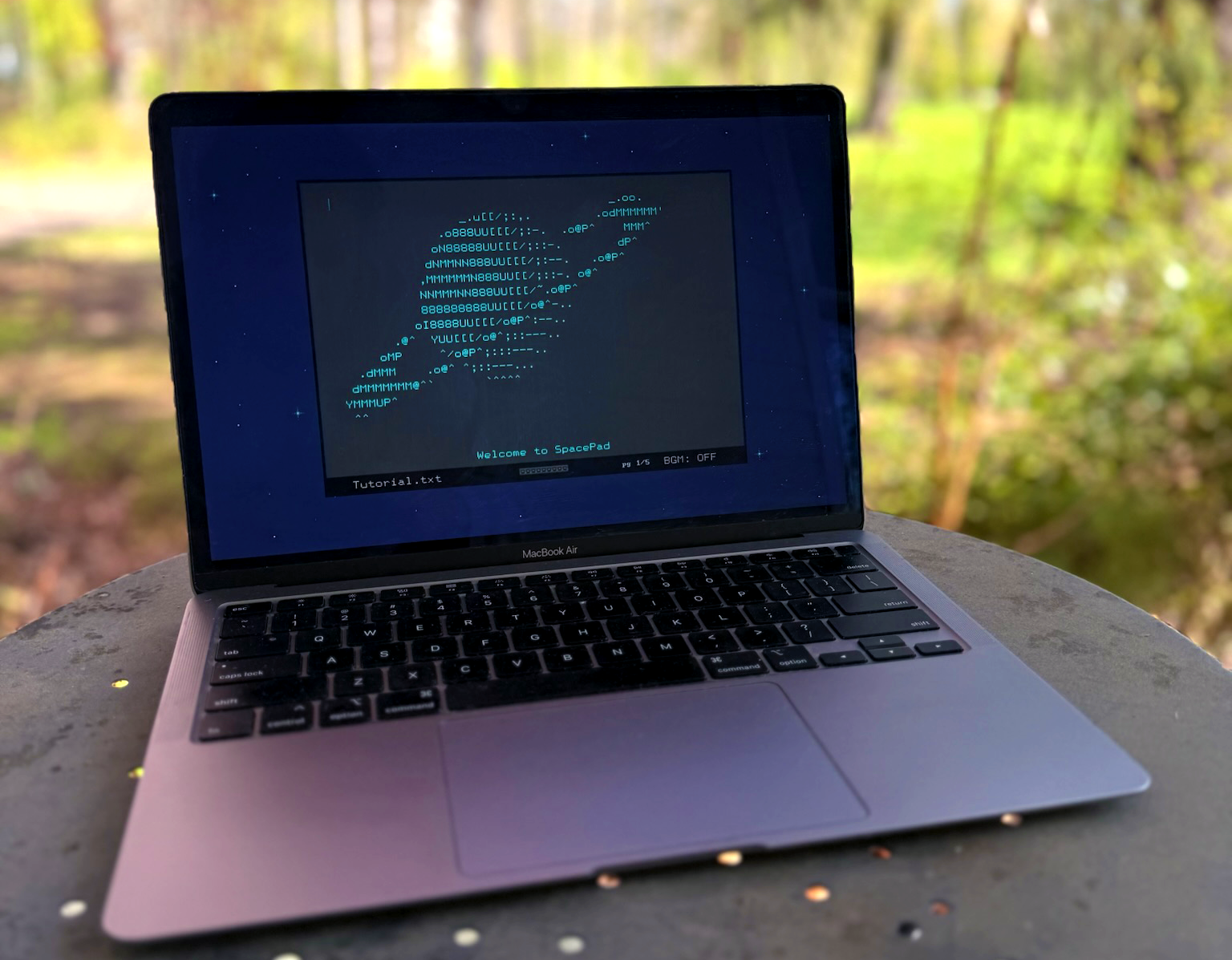
Open SpacePad and go somewhere...
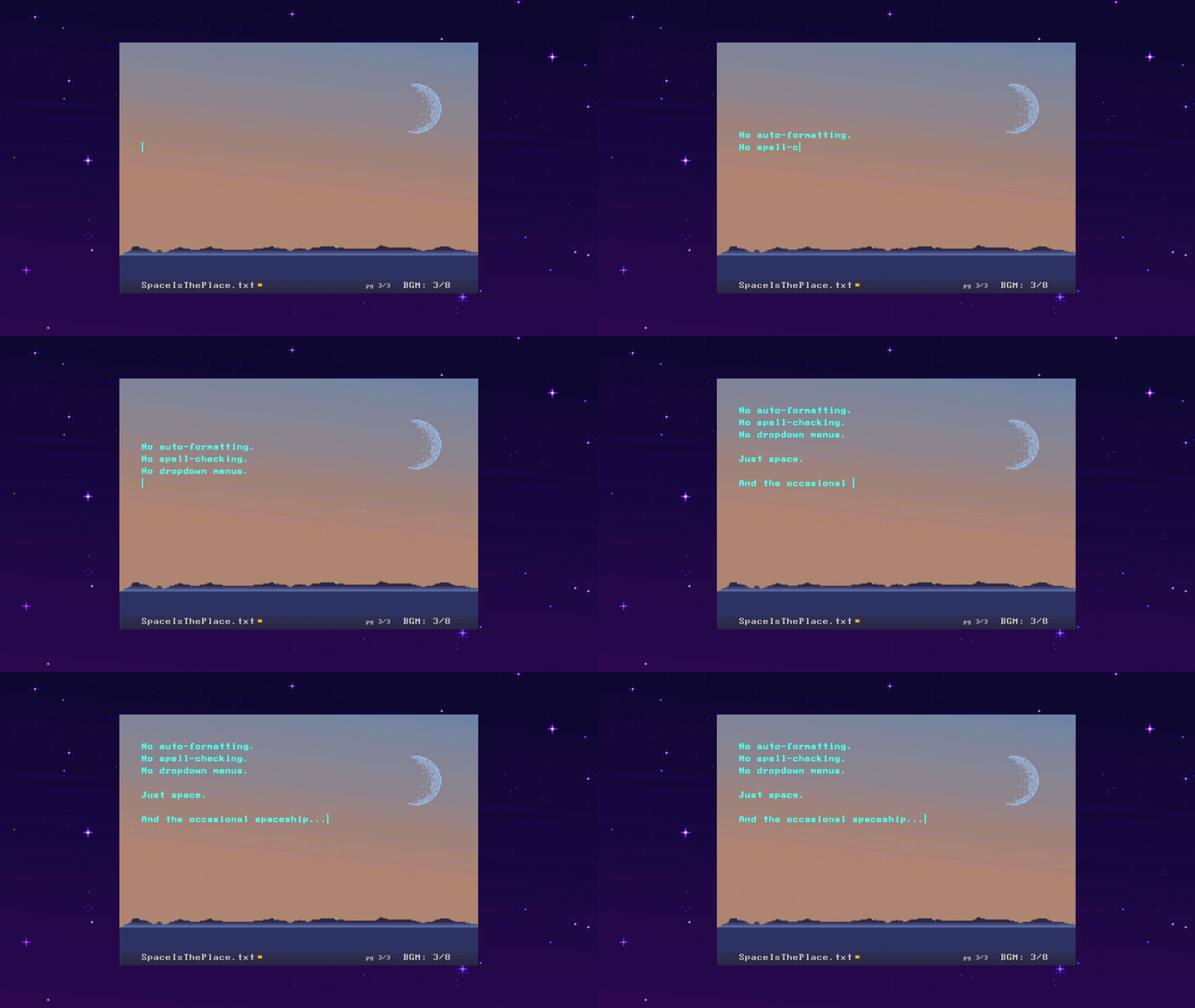
Now available for mac, windows, linux, and raspberry pi.
Writing is an Away Mission into the unknown, and on that mission, you deserve a focused tool and an atmospheric space that feel nothing like the modern computer environment.
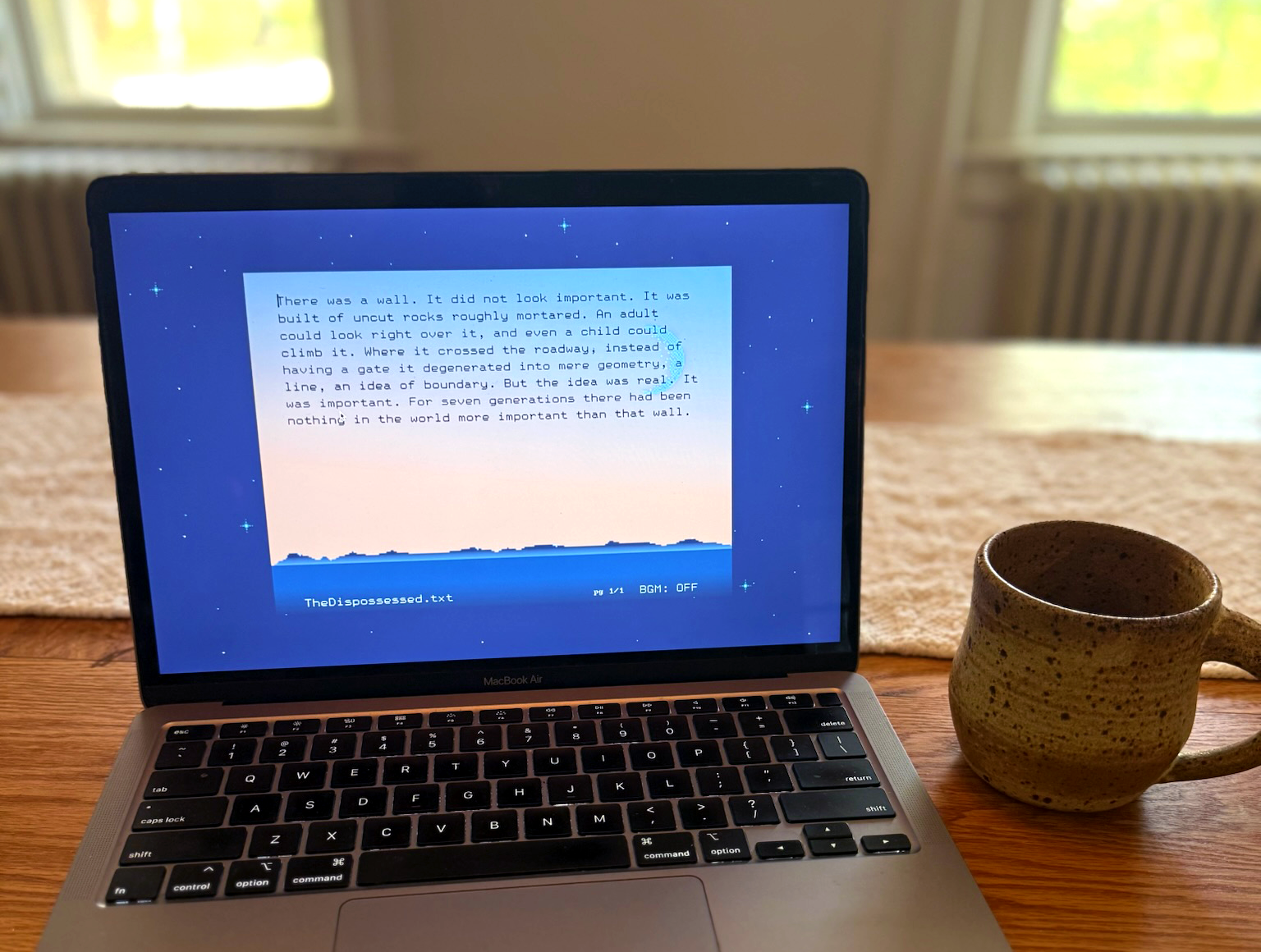
Now, with SpacePad, you can turn your computer into a cool space to write, any time you want. Your project will end up in Word eventually. That's life. But until then, SpacePad offers a respite: a place to start, to spread out, to think clearly, to imagine deeply. A writing app that feels special to open, like it's made for actual writers. Because it is.
What's here:
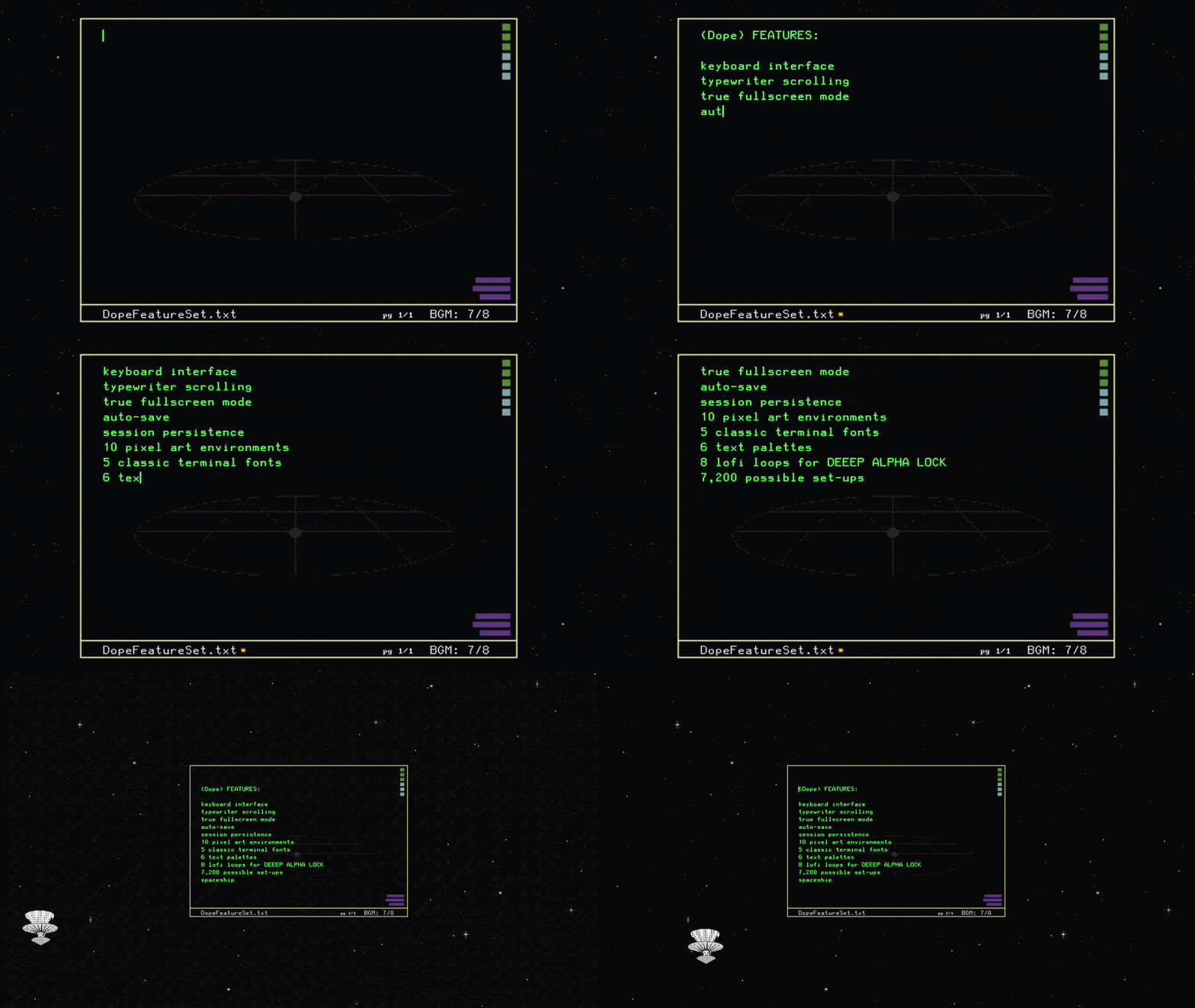
→ Typewriter scrolling. True Fullscreen. Super Fast keyboard interface.
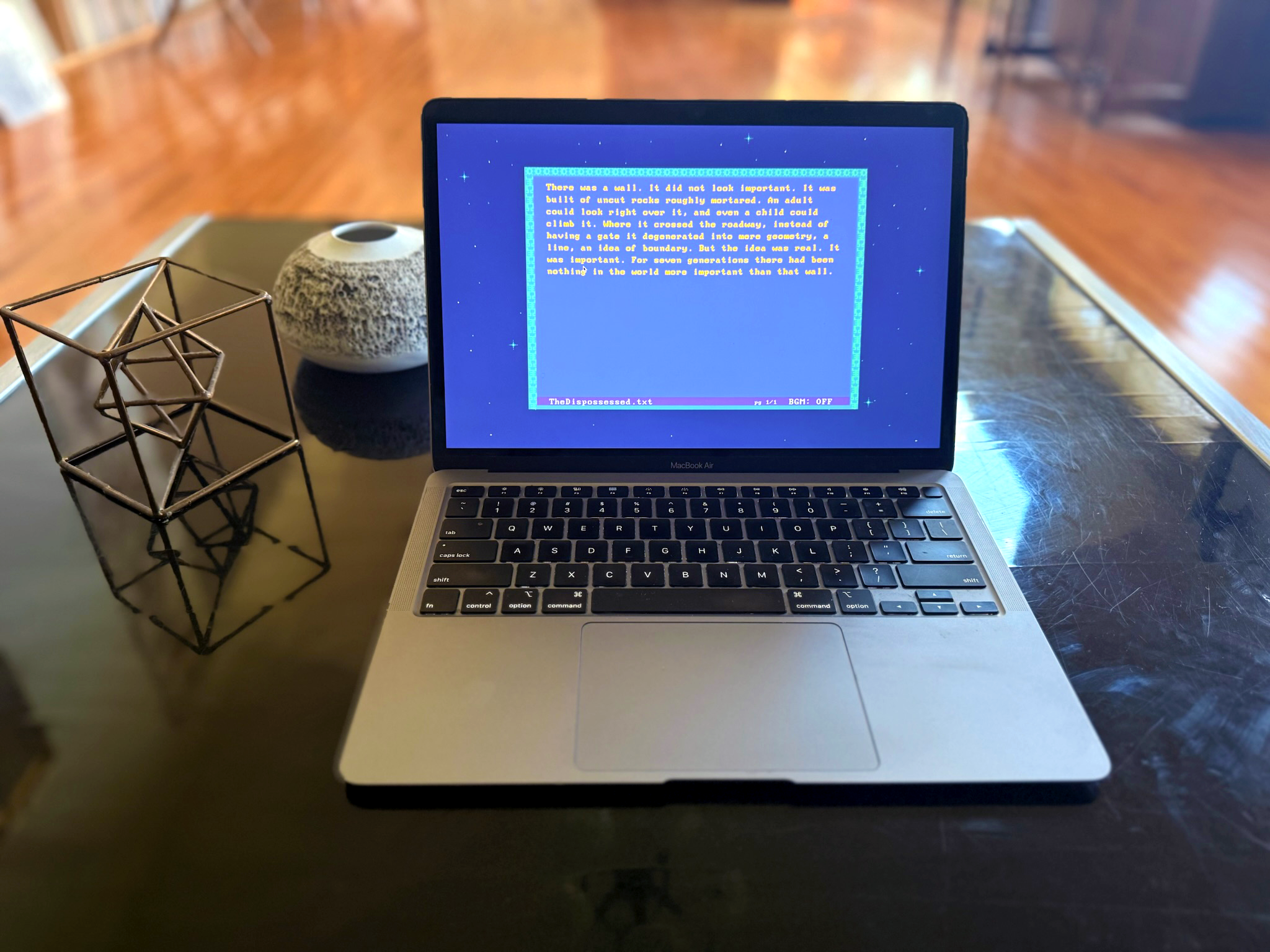
→ Five sharp and readable terminal fonts: IBM, HP, Phoenix, Olivetti, and others
→ Five international terminal fonts: full support for dozens of languages and keyboard layouts.
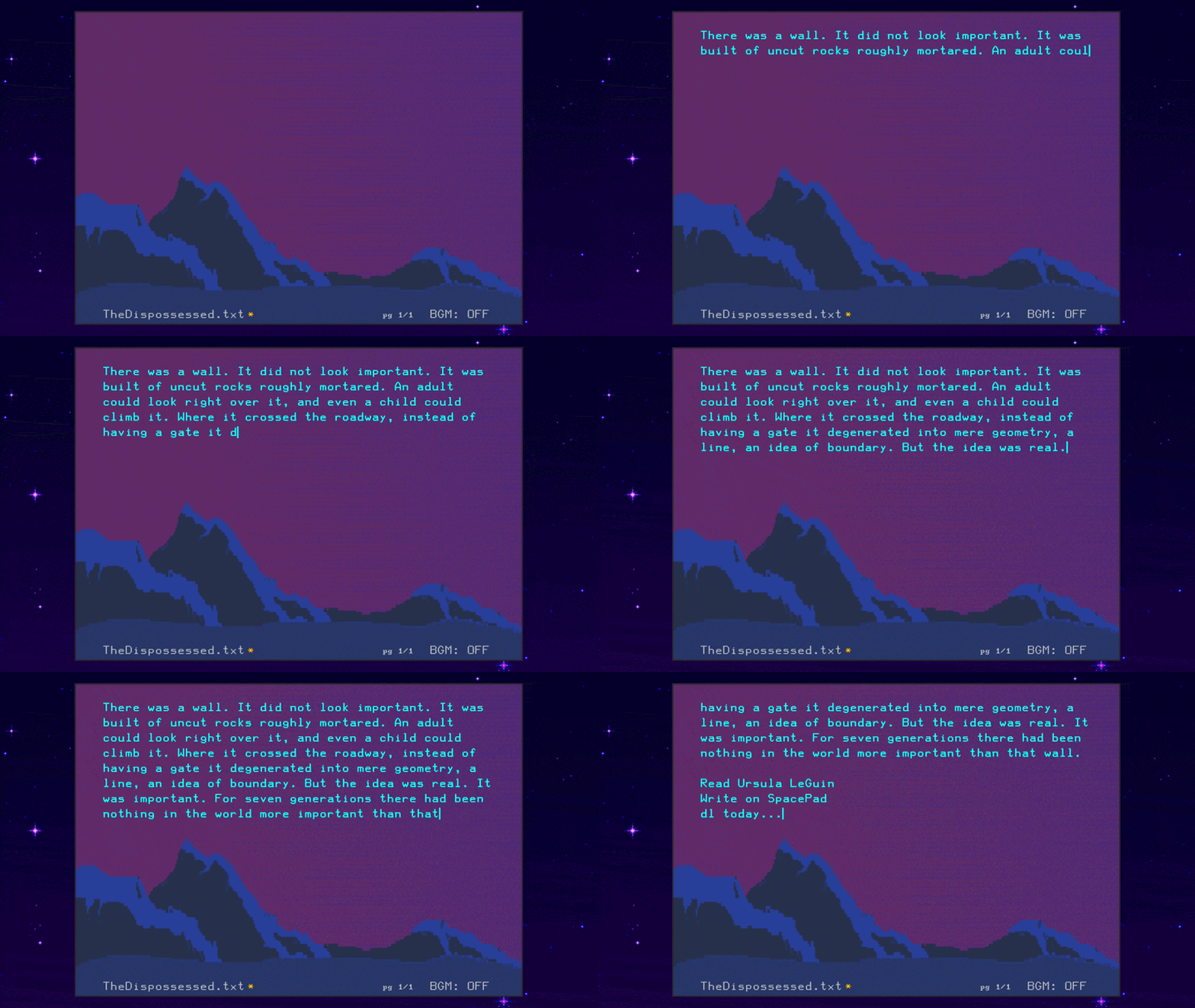
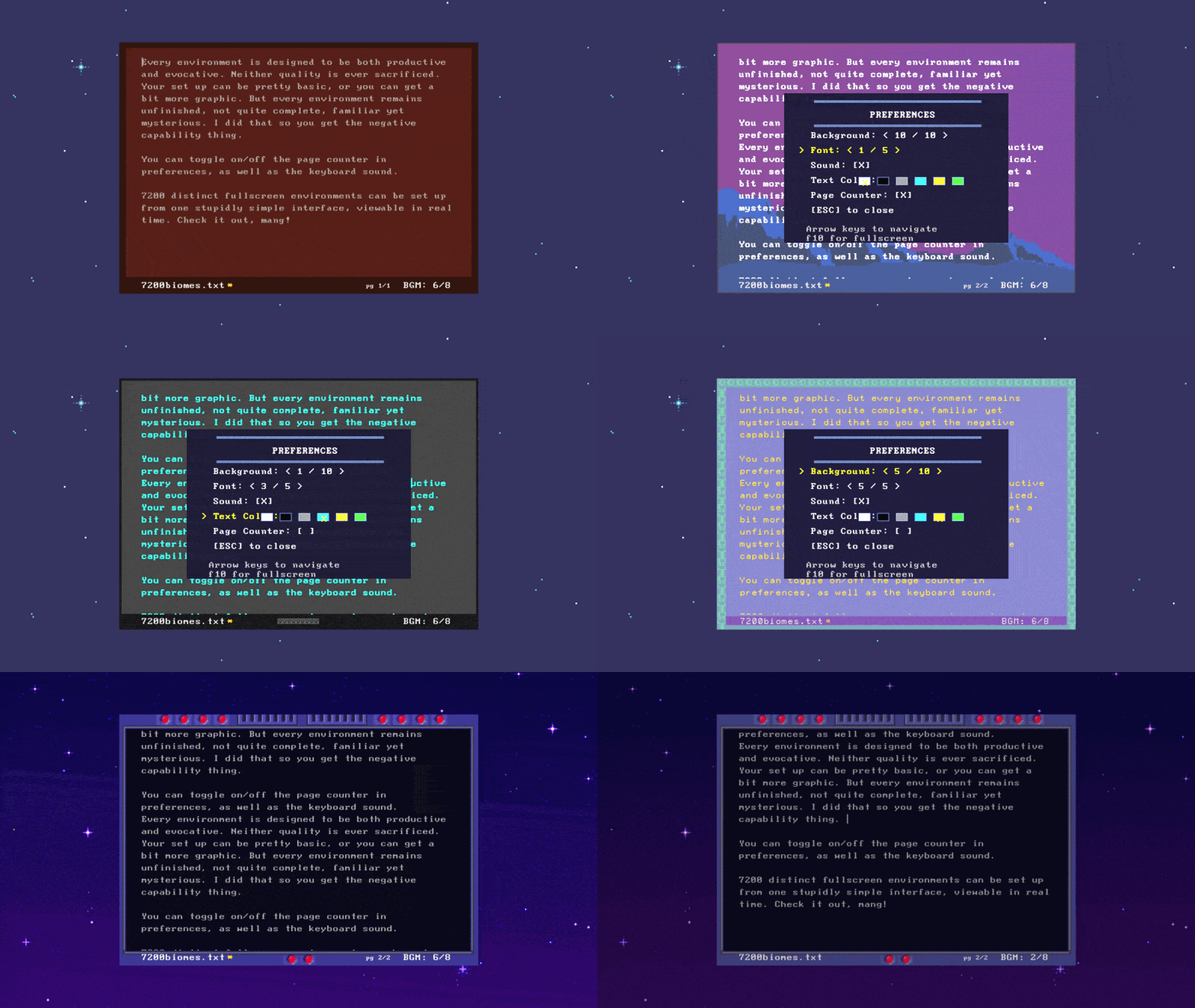
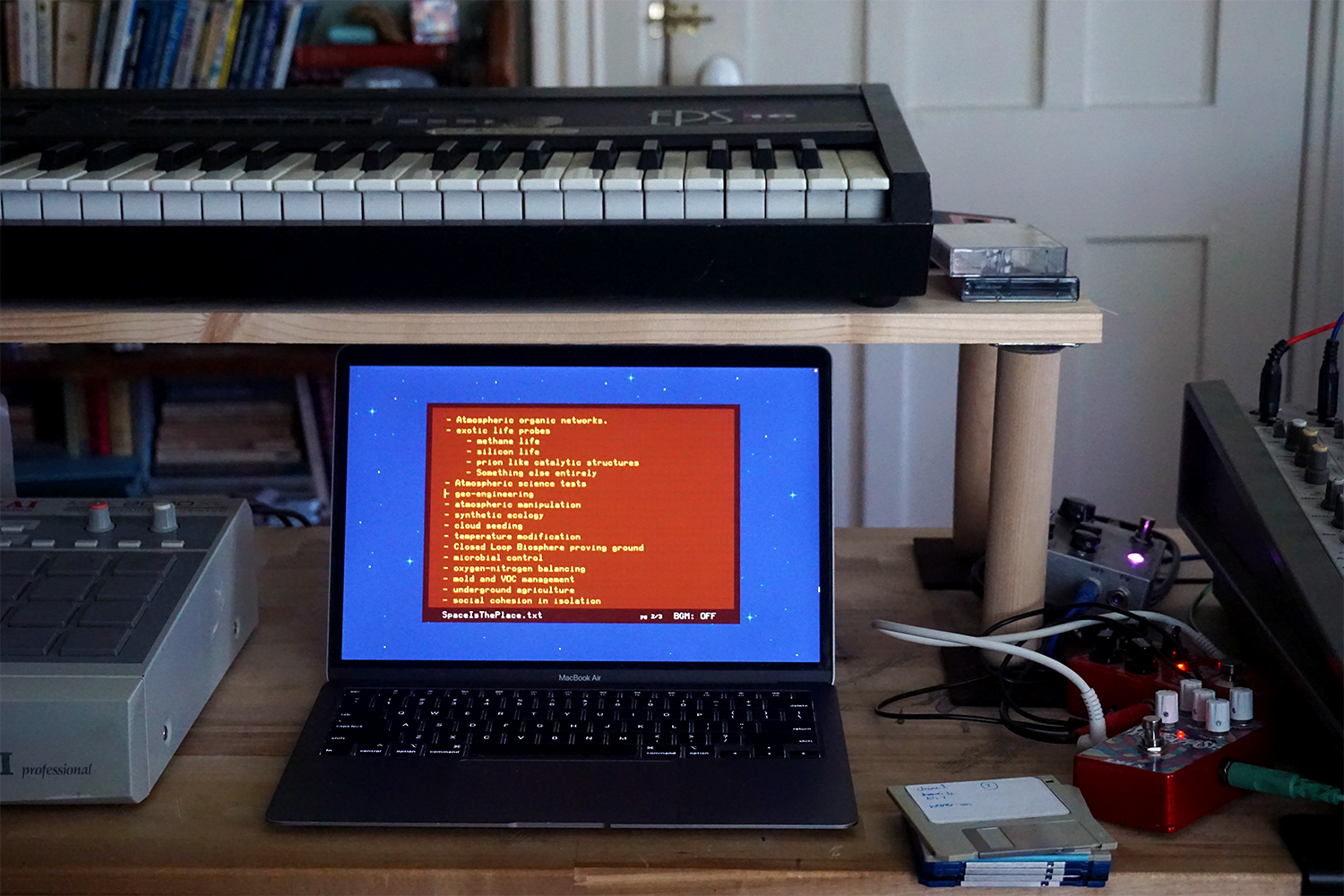
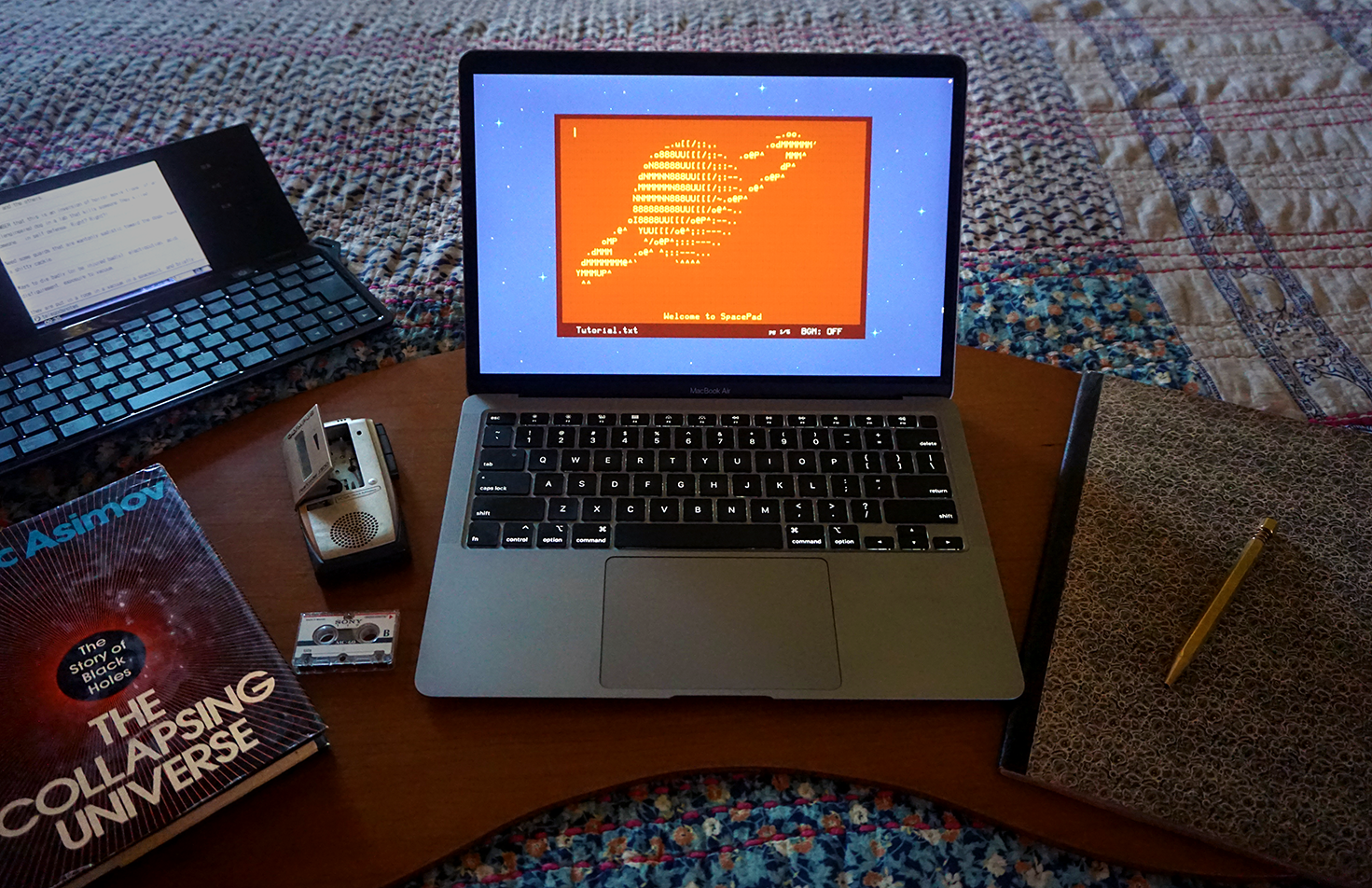
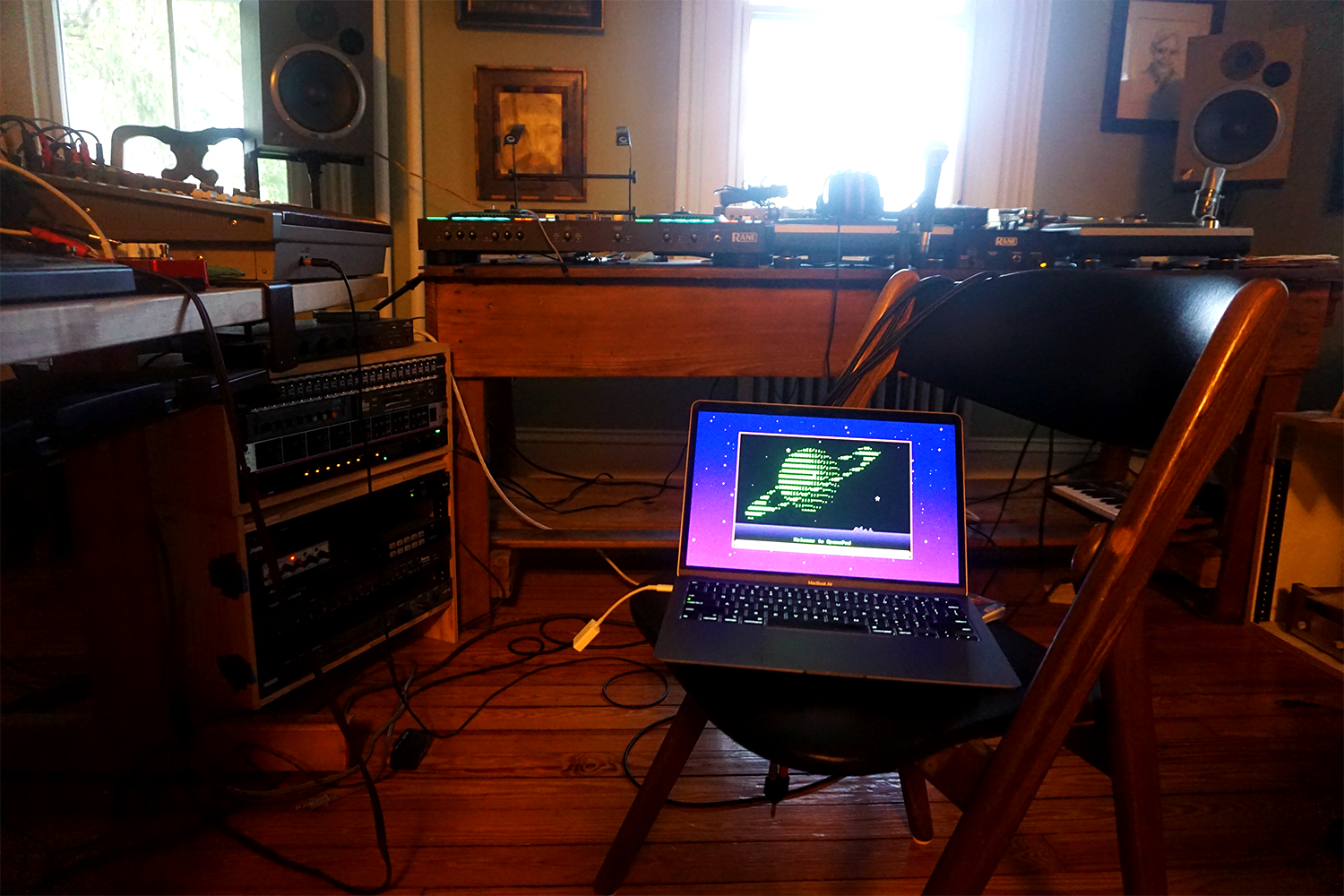
→ Ten environments: Alien mountains, CRT monitors, exoplanet horizons, dusk.
→ Six text palettes: phosphor green, amber terminal, IBM cyan, white/gray/black.
→ Eight original lo-fi BGM loops, composed for deeeeep Alpha Waves.
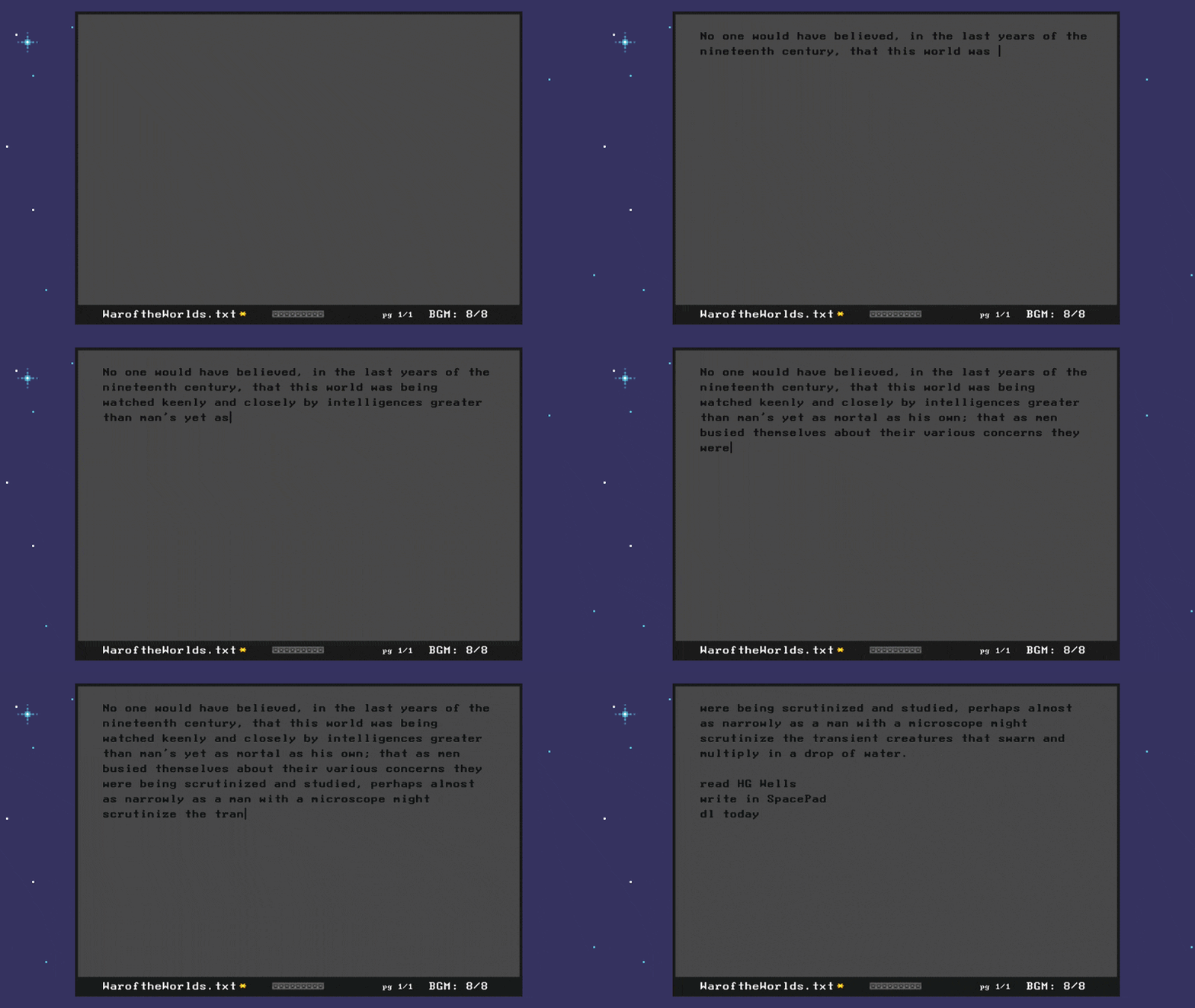
→ A pixel art spaceship that drifts past when you've been idle too long.
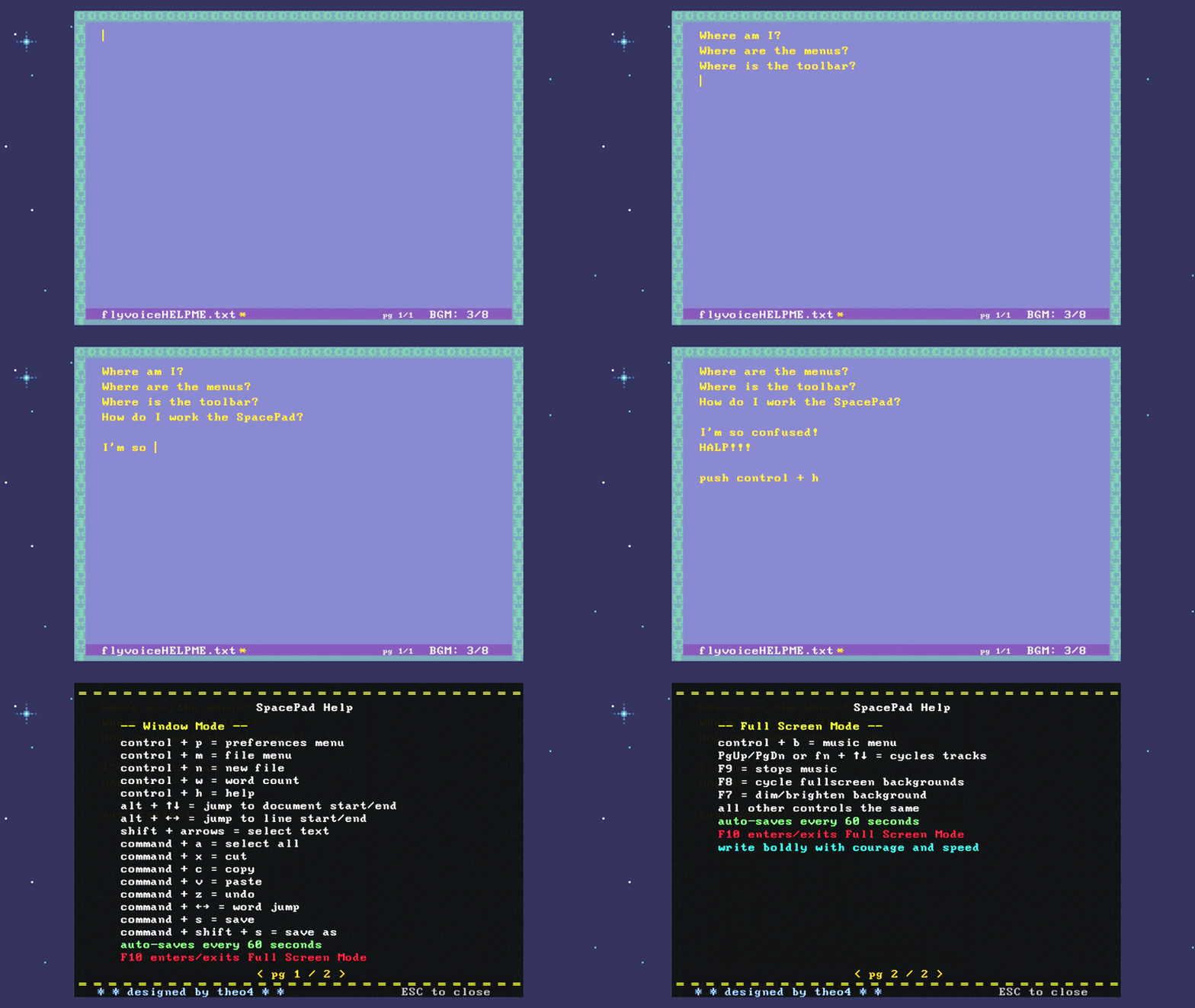
Your files: Plain .txt saved to your Documents folder (or in Windows, to avoid the long tentacles of One Drive, in your Saved Games folder). Auto-saves every 60 seconds. Your writing never leaves your machine. No cloud, no AI bs, no internet required. Move the app, delete it: your writing stays put.
Yours forever. No subscription. No add-ons. Notarized and signed DMG. Windows Installer. Free updates for life (and they're coming).
Make it yours, truly: 7,200 possible environments can be set up from one stupidly simple menu, viewable in real time.
☼☼☼☼☼☼☼☼☼☼☼☼☼☼☼☼☼☼☼☼☼☼☼☼☼☼☼☼☼☼☼☼☼☼☼☼☼☼☼☼☼☼☼☼
We writers get no respect. The focused writer is the last person Apple or Lenovo is thinking about when they design a laptop. It's not about what we can live with. It's about what we deserve. In the same way that musicians hunt for Gibson L-1s or photographers save up for Leicas—we deserve thoughtfully designed, evocative tools.
☼☼☼☼☼☼☼☼☼☼☼☼☼☼☼☼☼☼☼☼☼☼☼☼☼☼☼☼☼☼☼☼☼☼☼☼☼☼☼☼☼☼☼☼
What writers are saying:
"My time with SpacePad feels like I'm squirreling away inside a SCIF."
"It makes me enjoy writing a little more and want to write a little longer."
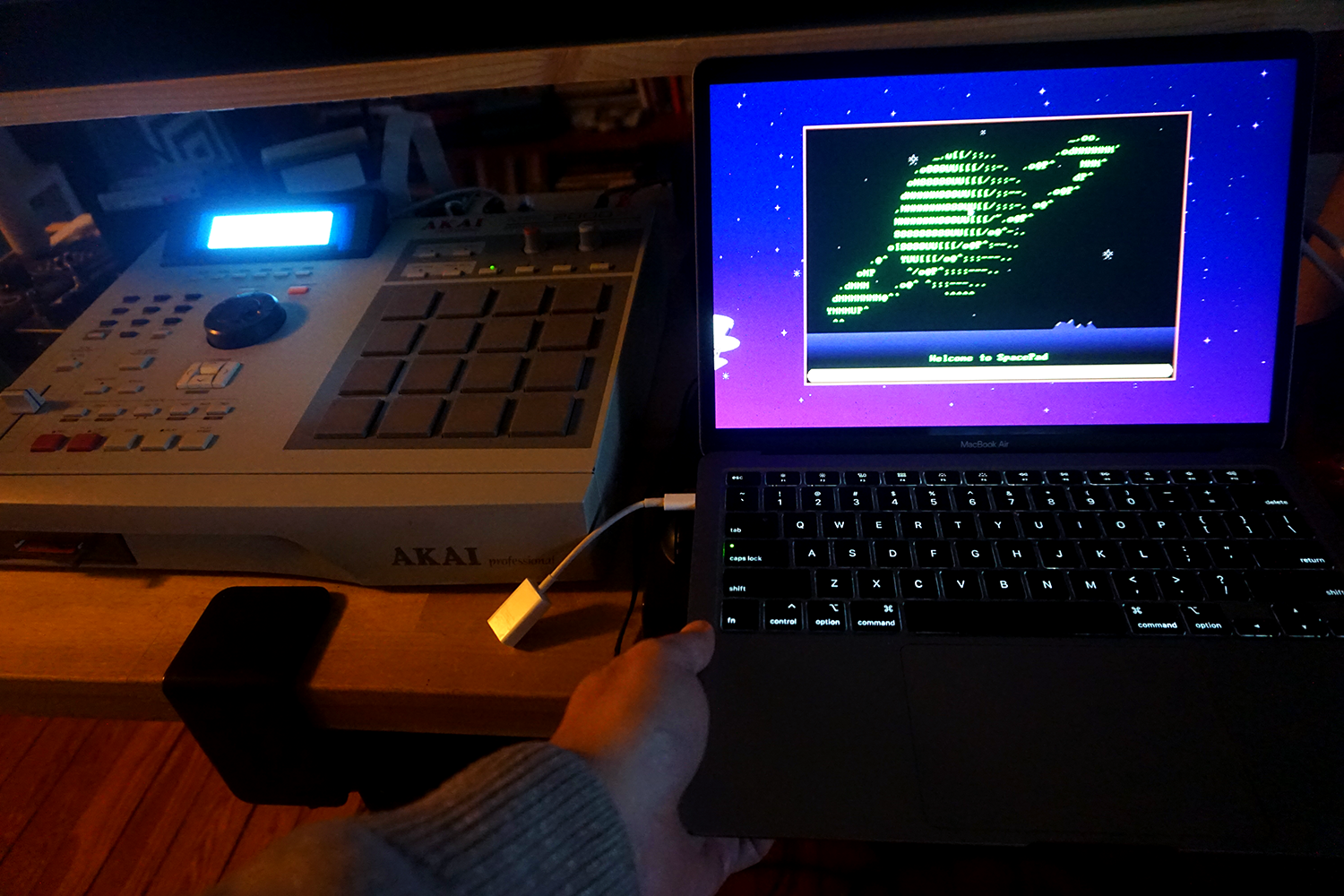
"Reminds me of making beats on my MPC2000XL."
"I've always wanted to write on the Mother computer in Alien. Know what I mean?" (ED: bet.)
"I fookin love it, mate." (ED: he's not British. No idea why he called me 'mate.')
"dope."
Development backstory
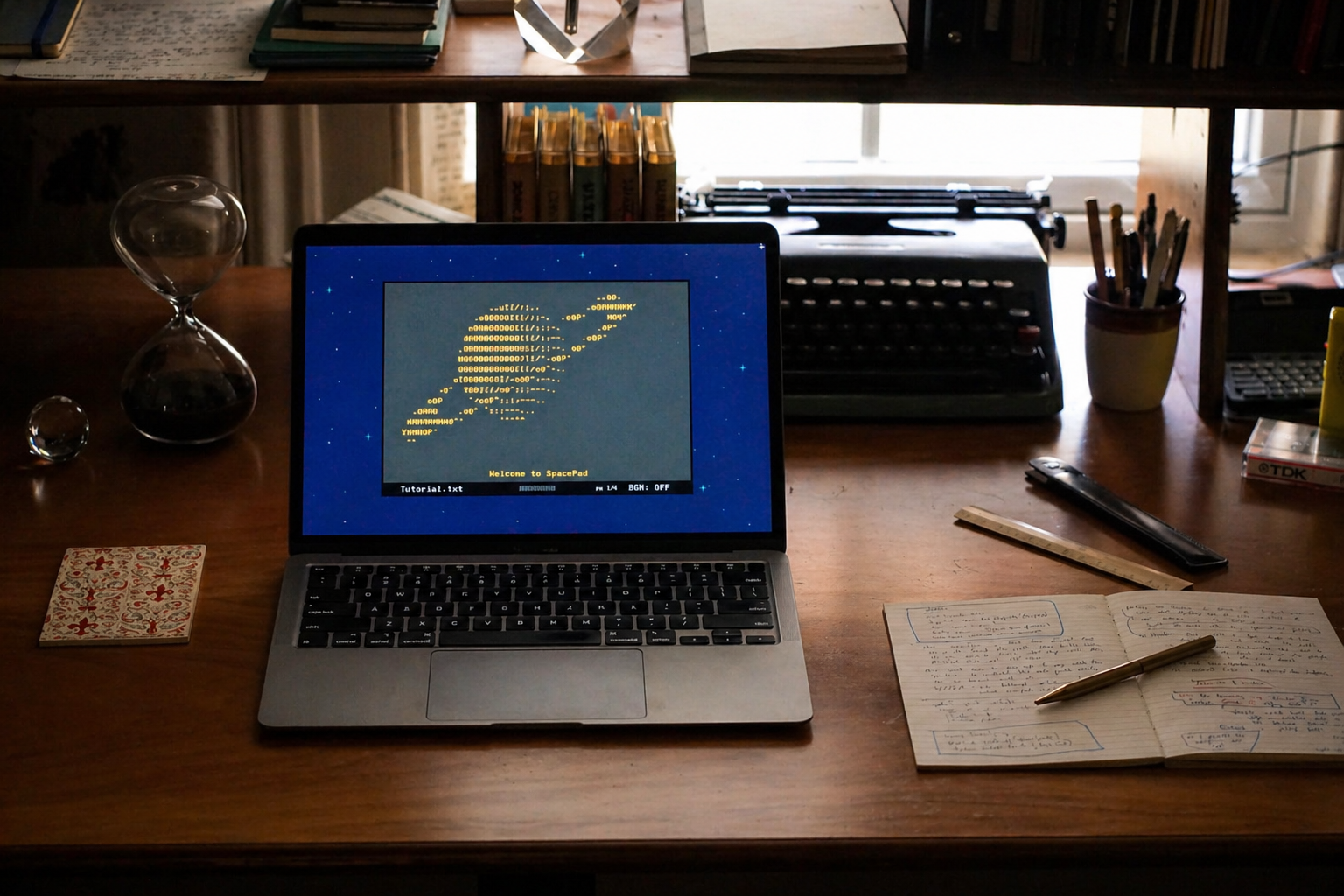
SpacePad began as a hardware project. I spent years trying to build a mono-tool word processor—something between a Lettera 22 and a Sega Genesis. But hardware is like the watchmaker's art: it's hard. Software was a little easier.
The design principles that survived:
The software must feel good, and be capable of storing up an emotional charge. It must be fast, lightweight, responsive, and gestural—as natural as an acoustic guitar or an Akai MPC2000. It must look cool, feel warm, and engage the senses. It must do one thing really well, and then get out of the way.
A Dose of Reality
SpacePad won't solve all your problems. If you have writer's block (if that's actually a thing), you should see a therapist and develop a more consistent discipline. If you have ADHD (like me), you'll still feel unfocused unless you're writing about something that's life or death. I'm not selling a lifestyle or a nervous system hack here. Just the tool you've always needed, but never knew you wanted.
A NOTE ABOUT INTERNATIONAL SUPPORT and KEYBOARD LAYOUTS
SpacePad now proudly offers nearly universal support for all Latinate languages, and even Greek and Cyrillic characters. In the preferences mode, navigate to intl fonts, and push the space bar. This opens up SpacePad International! It's the same, but now you choose between five international versions of beloved terminal fonts.
The following languages and keyboard layouts are known to be supported:
English, French, Spanish, Portuguese, Italian, Romanian, Polish, Hungarian, Lithuanian, Estonian, German, Greek, some backwards Hebrew, Dutch, Swedish, Welsch, Maltese, Czech, Slovak, Croatian, Serbian, Latvian, Ukrainian, Russian, Lithuanian, Turkish, Bulgarian, Belarusian, Macedonian, Kurdish...plus many more.
LINUX AND RPI USERS
The Linux build is experimental. Depending on your display, the window might be too small to be functional. But it works. Power users can edit the conf.lua file themselves. Unpowered users can change their display resolution to 1280x960, or other 4:3 resolutions . Scaling options coming in v1.3.
RPI users, download the linux zip. For now, you have to also dl love for it to work, but there is full instructions in the README.txt. very easy. RUNS AND DISPLAYS GREAT ON RPIS.
Full instructions for both RPI and linux setups in the README.txt file.
On Deck
V1.1 SHIPPED: windows and linux (including raspberry pi) versions
V1.2: SHIPPED: Full international latin support with vintage terminal fonts! text size options, toggle on/off typewriter scrolling, haptic sound fx, text navigation improvements, windows file system fix, general better-ness.
V1.3: Two-page spread reader/editor mode, BGM expansion with realtime pitch controls, export as .md and PDF (with app fonts), window size options
V2.0: one button print page, plus more innovative ish for your domepiece.
MAKE ROCKET GO NOW AND GET THE APP
Purchase
In order to download this app you must purchase it at or above the minimum price of $7 USD. You will get access to the following files:
Development log
- SpacePad 2.0 is coming!57 days ago
- SpacePad is INTERNATIONALLY SUPPORTED NOW, plus other fixes85 days ago
- UPDATE: 1.14 L'Internationale SpacePad Station & Imperial SpacePadMay 20, 2026
- V1.1 Windows, Linux, and Raspberry Pi Now AvailableMay 14, 2026
- Designing for emotional chargeApr 28, 2026
- Space(Pad) is the Place (to Write)Apr 20, 2026
Comments
Log in with itch.io to leave a comment.
genuinely i think this is one of my favorite writing processors ive ever used for focused writing. having ambient music and being able to change your workspace's aesthetics beyond just the normal page color and font type is so game-changing. it scratches my brain just right. thank you so much for releasing this little gem into the world!! i'm looking forward to 2.0!!
this is beautiful to hear. thank you. this was just what I needed today <3
really fired up to release 2.0. let me know if there's anything crucial you need for 2.0, and tell a friend!
I just want to say that I keep loving this software. You are amazing.
Not wanting to ask for things, just leaving it out there if one day you want to add: I'm hoping to have more backgrounds. I love different colors hahahaha
Thank you so much!!
this is in the works! Check back in a day or two for a write up about 2.0.
Thanks for your incredible support.
Dude, I love this so much, Thank you for making it!
(Deleting the middle part requesting Home and End support after reading the help screen and seeing alt + arrows did the trick.)
Thank you again!
🫡 love it, thank you. A big 2.0 update is in the works (no feature creep, just better) so let me know any essentials you need. I’ll be dropping a devlog in a day or two with my plans.
I know I had backpedaled and I'm sure you're working on other things.
But I think I will say clearly: It would be really helpful to add Home and End key functionality.
So that is a clear request on my end.
Either way, thank you for making this awesome tool!
What do you want them to do? I made them do something at one point, but don’t remember what because they’re not on my keyboard so I stopped developing them.
So I don’t have any strong opinions. I can make them do almost whatever you want. Use that power responsibly :)
Thank you so much!
in any software I've used, HOME will send your curser back to the very start of that line of text, and END will send your curser to the very end of that line of text. and you can hold shift and press either (which will then select whatever text it grabs along the way)
it'll be in there!
woah they do some cool stuff with shift. Yeah, I’ll bust out those home/end commands. Will take five minutes
hello, i dont have any feedback other than this is fucking awesome. im too broke to pay you, but when i get money on my account that i can use for non-essentials im 100 % circling back to this, no matter how long it takes. thank you so much
Enjoy! it's free for the real heads. my pleasure and happy writing. tell a friend. and check back in a couple weeks for an incredible update.
Love this program, it's got such a great vibe! The only problem I have right now is I can't seem to navigate to any of the other documents in the /Documents/SpacePad folder. When I hit ctrl + m, the pop-up window only has a new document prompt and nothing else. When I create a new document, I can't return to an old one, even if I can see that it's there in the Windows file explorer. Am I missing something?
this is weird, sorry that this is happening. Control m should get you a file menu where you can see all your documents, not a dialog for a new document. You’re in windows? What keyboard layout are you in? I’ll try to recreate this when I get home later today because this is very odd behavior. If you want to send a video, send one to Theo.is.baker@gmail.com.
Fixed it!
This software is amazing, omg! I'm in love!
😻 SpacePad loves you back! Happy writing!
Omigod I love this. Dling now.
I love the concept of Spacepad. Works nicely on Linux on my end.
Regarding the special characters support, is there a way to simply disable them or something instead of having an error message that freezes up the app every time one is used? (I'm French and writing in French so a lot of unsupported characters come up). Or maybe load a custom font? (I have a bunch of retro/pixel art fonts on my system with support for latin characters!)
Not worries if it's out of scope, if so I won't use it, but I'll be sure to recommend it to English speakers!
thanks for you comment. Yes I am planning full international Latin support for an update coming in about ten days with a range of intl terminal fonts.
I thought I had sanitized for exactly this case, but I’ve heard there’s also issues with Romanian keyboard layouts. I might actually just do a patch for this scenario crash in the next couple days before I do the update, Sorry to be so American! Full international support in the works!
in the meantime you can use a English keyboard layout which I have tested throughly and which will block any characters the program can’t handle.
Thank you very much for your reply! Looking forward to the update!
Regarding fonts, I really like the selection you already have in there. I checked those I have and most of them come from Cool Retro Term: https://github.com/Swordfish90/cool-retro-term
I really like the Commodora 64 1982 font! In any case, thank you for your quick reply and for making this cool tool!
this is an incredible resource; thank you. Check back in a couple of days for a temporary patch that stops the crashing, or about ten days for the international edition. Many thanks for the compliments and the download. Happy writing!
alright, I’ve got a patch with about 90% support of French in AZERTY, using the fonts in program right now. Missing the Ÿ and a couple diacritics but most other things are there. Will post tonight or tomorrow. And then 100% support in version 1.2, June 1st. Ÿves isn’t that common of a name, is it?
Amazing! And tbh Ÿ is a very rare character, not sure I ever saw it actually used. The names Yves doesn't have the accent on the Y!
Ÿ not? ok, it is done. And for the full International SpacePad Station update, June 1st, Im gonna grab that font from the minitel terminal. here's the update: https://spacepad.itch.io/spacepad/devlog/1528559/update-114l-international-spacepad-station-imperial-spacepad
FRENCH is now 100% supported.
also, which pixel fonts with latin characters do you like? I'm making a big list to evaluate them for the international edition dropping soon
Hey Theo4. I just downloaded the app for Linux, made sure that the AppImage was executable with "chmod", and tried running it. All I get is a window with the title "LÖVE 11.5 (Mysterious Mysteries)" and an animation of a yellow balloon with the message "NO GAME" on its string. Pressing Ctrl+M doesn't get me a menu, and Ctrl+N doesn't start a new file.
I'm running this on Linux Mint 21.3 "Virginia" (base: Ubuntu 22.04 "jammy"). Is there something else I'm supposed to have installed?
woah this is a bad build. It ain’t supposed to look like that!!!! I’ll update this first thing tomorrow morning. Thanks for posting this. Yikes!!!! This is just the framework screen. I think its possible I might have just posted the wrong file.
I've taken it down for now. No idea why that happened right now. But I'll get this fixed first thing tomorrow. In the meantime, you could try just running this command: ./SpacePad_v1.AppImage --appimage-extract-and-run.... it's possible there's a mint compatibility thing I need to look into, and if there is, this should let you use the app in the meantime.
ok, also poking around I think you may need to install Fuse. Because that's needed for AppImages to run. And I think that was removed from ubuntu 22.04. Yeah, I think that might be it. try "sudo apt install libfuse2" and try to run it again. Ahhhhh, Linux! Sorry about this.
Hey Theo, thanks for looking into this. I tried your suggestions --- running the AppImage with the "extract and run" option produces the same result, and I already have libfuse2 installed. So I'll wait on this and check back here tomorrow.
thanks for trying. Yeah there’s something I’m not seeing. I’m gonna make a usb mint 21.3 set up tomorrow morning and figure it out. you could always just download love and run the spacepad.love file that’s in the zip for the rpi If you’re eager to take a look at the app. Until then!
OK, this was a doozy. I uploaded a new a super solid appimage that works in mint 21.3, full instructions in the readme. If you're using a high density retina display, the window might be significantly smaller than designed. Spent all day trouble shooting it. But a full fix for window scaling will have to wait till v1.2. If you're using a 1920x1080, display, should be perfectly fine!
love it! Great work
thanks Moga!